
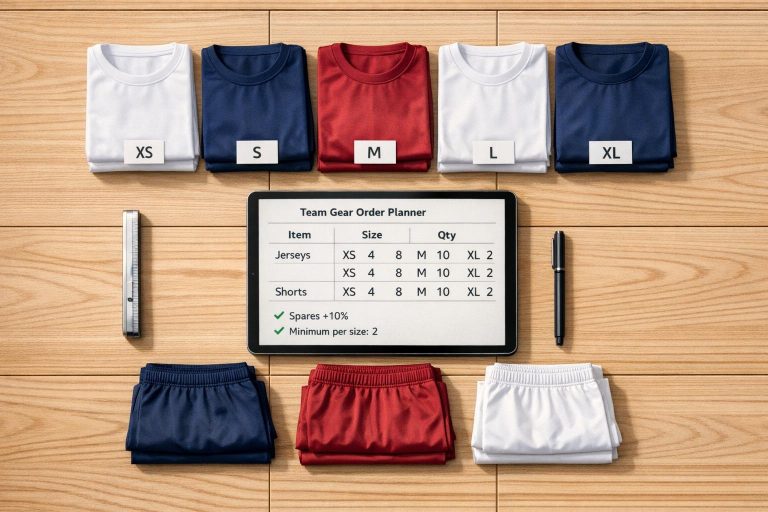
Plan Your Team Gear Orders with Ease
Managing a sports team comes with enough challenges—don’t let equipment ordering be one of them. Whether you’re outfitting a soccer squad with new jerseys or stocking up on basketballs for practice, figuring out the right quantities can feel like a guessing game. That’s where a reliable team gear order quantity planner comes in handy. It takes the stress out of bulk purchasing by doing the math for you.
Why Accurate Planning Matters
Over-ordering means wasted money, while under-ordering can leave players without essentials. A good calculation tool lets you input key details—like the number of athletes and desired extras—and delivers a precise total. It even adjusts for supplier minimums, so you’re never stuck reworking numbers at the last minute. Beyond saving time, this approach helps coaches and managers focus on what really matters: building a winning team. Plus, with a clear breakdown of base needs and spares, you can confidently place orders for uniforms or other supplies. Next time you’re tasked with organizing equipment, skip the spreadsheets and try a streamlined solution designed for sports teams. Your budget (and sanity) will thank you.
FAQs
Why should I include spare items in my gear order?
Spare items are a lifesaver for unexpected situations—like a last-minute player joining or a jersey getting torn mid-season. Adding a small percentage (like 10%) ensures you’re not caught short, without over-ordering and blowing your budget. It’s all about being prepared without waste.
How does the minimum order requirement work?
Some suppliers set a minimum number of items for bulk orders to process your request. If your calculated total (players plus spares) falls below this number, our tool automatically adjusts upward to meet that threshold. You’ll see a note explaining the tweak, so there’s no guesswork on your end.
Can I use this tool for multiple gear types at once?
Right now, the tool calculates for one gear type at a time to keep things clear and accurate. If you’ve got multiple items to order—like jerseys and socks—just run the tool separately for each. It’s quick, and you’ll get a detailed breakdown for every category.