
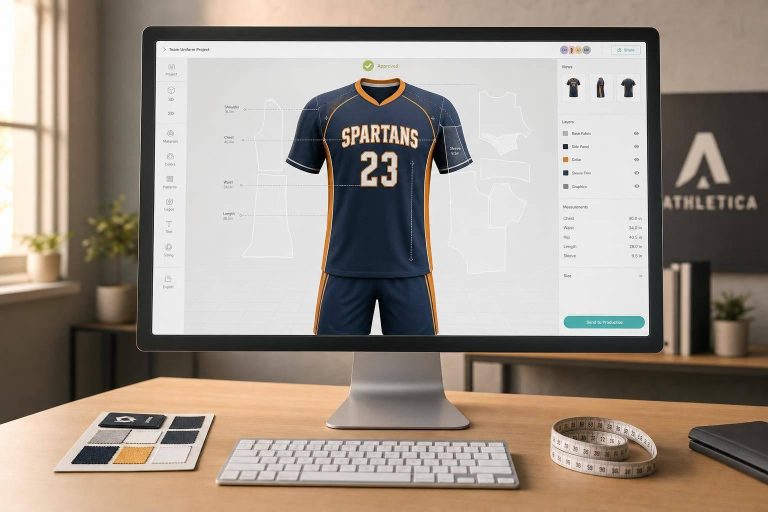
If I need team uniforms fast, I’d use a 3D preview tool before I order anything. It helps me check colors, logos, names, numbers, seams, and full-kit match before production starts. That matters even more when deadlines are close: as of Q1 2026, digital workflows can cut layout time from 30–60 minutes down to 3–5 minutes per order.
Here’s the short version:
- 3D tools help catch mistakes early
I can spot logo placement issues, hard-to-read numbers, and color problems before the order is locked. - Online builders fit most team orders
If I just need names, numbers, logos, and color changes, a browser-based builder is usually enough. - Pro apparel software fits more complex jobs
If the design crosses seams or needs pattern-linked output, tools like CLO3D, Browzwear VStitcher, and TUKA3D make more sense. - Roster upload saves a lot of time
CSV and Excel import can help large teams avoid manual entry. - Approval links make review easier
Coaches, parents, and school staff can check the same mockup from their own devices. - Price and turnaround still matter
Some platforms are free to start, while others begin at $29/month, $499/month, or more. For production, some custom items can ship in as little as 2 weeks.
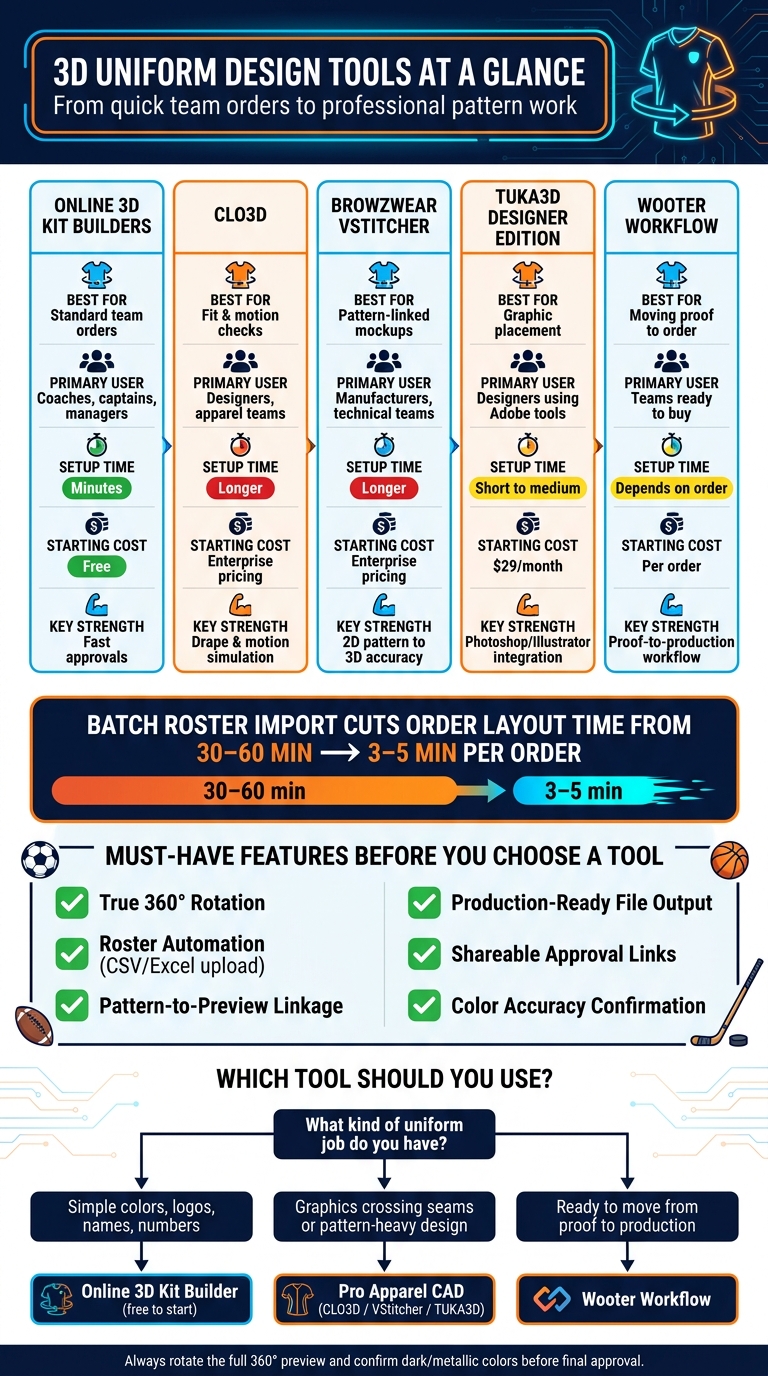
3D Uniform Design Tools Compared: Online Builders vs. Pro CAD Software
CLO3D Tutorial: How to Design a Sports Jersey from Scratch
sbb-itb-4d95ad3
Quick Comparison
| Option | Best for | Main use | Setup time | Typical user |
|---|---|---|---|---|
| Online 3D kit builders | Standard team orders | Names, numbers, logos, colors | Minutes | Coaches, captains, team managers |
| CLO3D | Fit and motion checks | Fabric drape and movement testing | Longer | Designers, apparel teams |
| Browzwear VStitcher | Pattern-linked mockups | 2D pattern to 3D output | Longer | Manufacturers, technical teams |
| TUKA3D Designer Edition | Graphic placement | Logos and artwork on templates | Short to medium | Designers using Adobe tools |
| Wooter workflow | Moving from proof to order | Approvals into production | Depends on order | Teams ready to buy |
What I’d check before placing the order:
- Logo placement
- Name spelling
- Number size and readability
- Front-to-back match
- Seam alignment
- Final color approval, since dark or metallic shades can look different on screen
If I had to sum it up in one line: use an online builder for simple team orders, use pro 3D apparel software for pattern-heavy jobs, and review every angle before approval.
1. What 3D Uniform Design Tools Do for Teams
A 3D uniform design tool lets coaches, managers, and players review a rotating digital kit before production. Instead of relying on flat sketches or catalog photos, teams get a much clearer view of what they’re approving.
That matters because teams can check colors, logos, names, and numbers before anything goes into production. You’re not guessing how the final kit might look. You’re seeing it from the start. From there, the next step is finding a tool that fits the team’s day-to-day process.
How 3D Previews Help Teams Make Better Uniform Decisions
The biggest upside is simple: teams catch problems early.
A 3D preview shows how a logo sits across a seam, whether a number is easy to read at the right size, and how home and away colorways look next to each other. Those details are easy to miss in a flat mockup. In 3D, they stand out fast.
Roster management is another place where these tools save time. Many platforms can import a roster spreadsheet and auto-fill names and numbers on the model. That means coaches, parents, and school staff are all looking at the same approved layout instead of passing around different versions.
Once the digital preview is shared by link, athletic directors, board members, or parents can open it on their own devices and leave feedback without being in the same room. That makes approvals less of a hassle and cuts down on back-and-forth.
What to Look for Before Picking a Tool
Not every 3D tool works the same way, so it’s smart to check a few key features before choosing one.
True 360° rotation is the starting point. Front-and-back mockups don’t tell the whole story. You should be able to spin the model and inspect side panels, collar details, and seam alignment from every angle.
Pattern-to-preview linkage is one of those things teams often overlook, but it has a big effect. It means the graphics shown in the 3D preview connect directly to the cutting and printing files used in production. Without that link, a design that looks right on screen can come out wrong at the factory.
Beyond the visual side, it also helps to look for:
- Roster automation
- Production-ready file output
- Shareable approval links so coaches and directors can review designs without extra software
| Feature | Why It Matters |
|---|---|
| 360° Rotation | Inspect logo placement and seam alignment from all angles |
| Roster Automation | Upload player lists and see every name/number combination instantly |
| Pattern-to-preview linkage | Keeps on-screen graphics aligned with production files |
| Production-Ready Output | Generates print-ready files to speed up fulfillment |
| Shareable Approval Links | Lets coaches and directors review designs remotely |
Teams that need deeper fit and pattern control should move next to professional apparel software.
2. Professional 3D Apparel Tools for Uniform Development
Professional 3D apparel software connects fit, pattern work, and production. Use these tools when accuracy matters more than speed.
CLO3D for Fit, Fabric Behavior, and Motion Testing
CLO3D is often used for technical sportswear prototyping, especially fitted performance gear. Its main strength is drape and motion simulation. You can run motion tests and see how fabric stretches and settles on the body.
That matters because a uniform can look fine in a still image and behave very differently once someone starts moving. With a digital avatar, you can check how a kit wears in motion, not just how it looks standing still.
When fit is already locked, the next thing that matters is pattern accuracy.
Browzwear VStitcher for Pattern-Linked 3D Prototyping
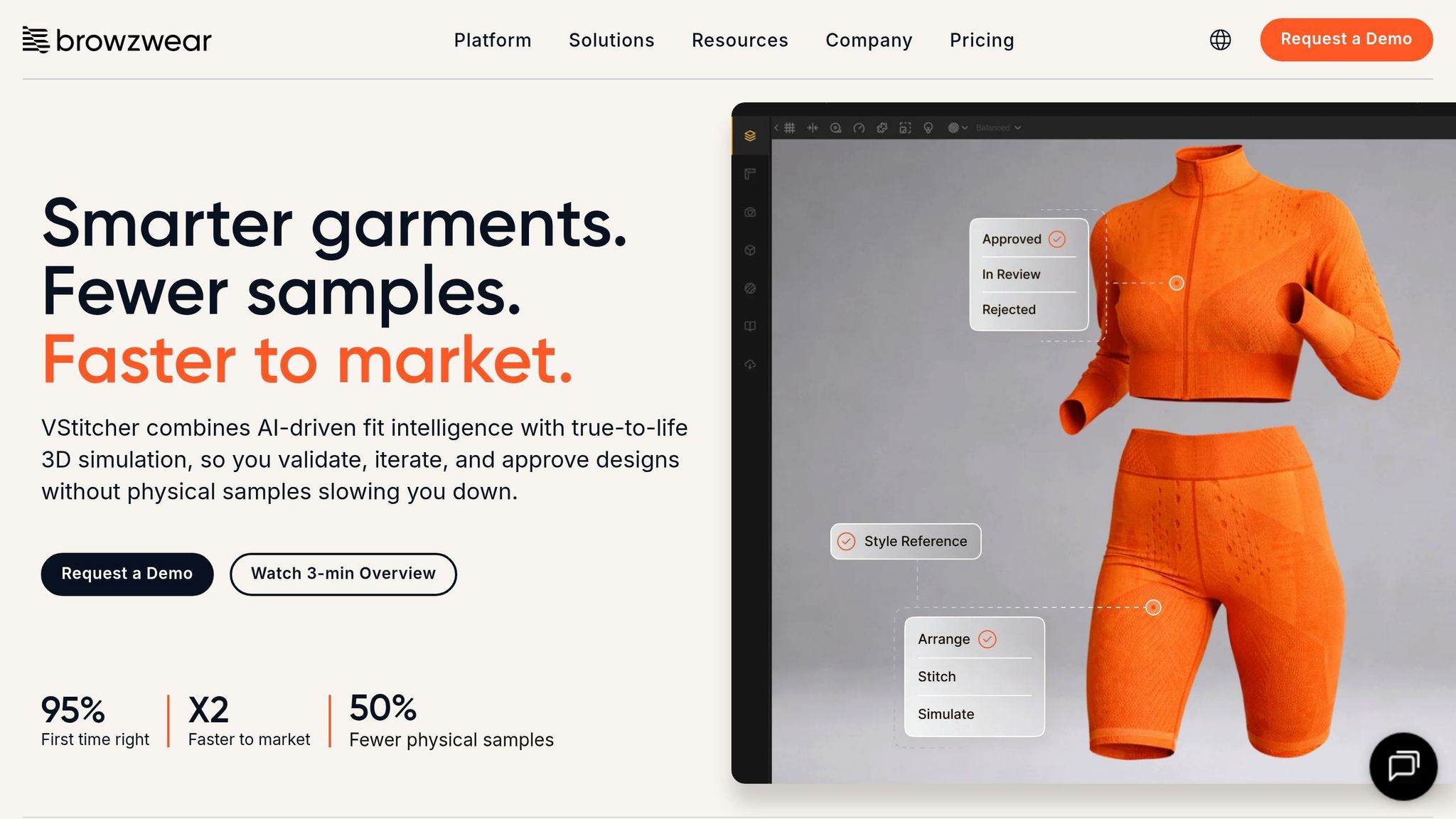
Browzwear VStitcher is built around turning 2D production patterns into realistic 3D visuals. In plain English, the 3D view stays closely tied to the same cutting and sewing files used in production.
That link helps teams cut down on physical samples during development. It also helps when approvals on screen need to match manufacturing specs more closely. Fewer surprises. Less rework.
TUKA3D Designer Edition for Artwork Placement on Apparel Templates
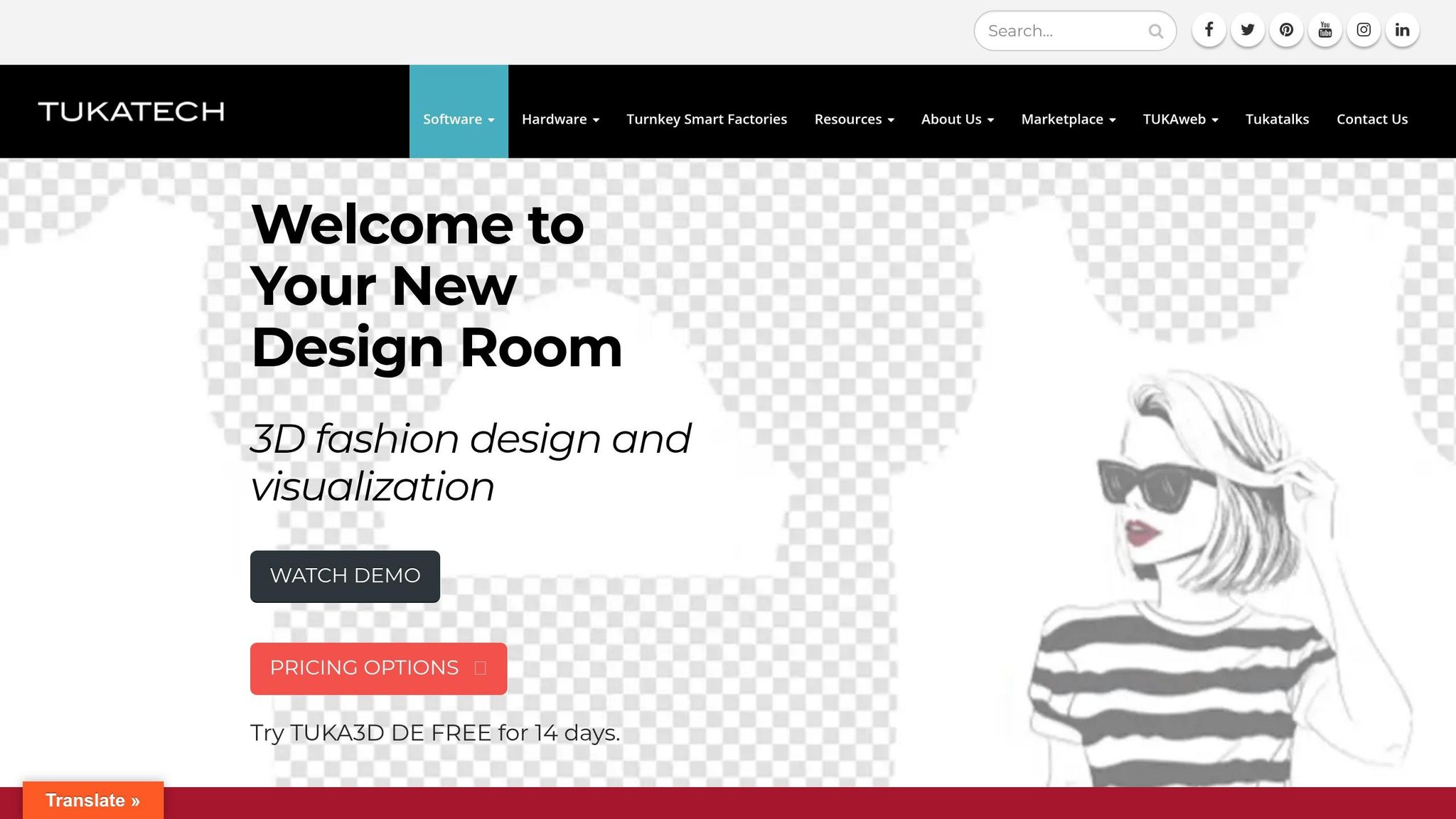
TUKA3D Designer Edition is made for placing artwork, logos, and color blocking on 3D apparel templates. It works with Adobe Photoshop and Illustrator, which makes it a practical option when the goal is simple: place graphics on standard silhouettes and move toward approval fast.
Designer Edition starts at $29 per month, includes 8 free templates, and adds silhouettes for $5 each.
Here’s how the three tools compare at a glance:
| Feature | CLO3D | Browzwear VStitcher | TUKA3D Designer Edition |
|---|---|---|---|
| Primary use | Technical sportswear prototyping | Pattern-linked 3D prototyping | Artwork placement on ready-made templates |
| Strength | Drape and motion simulation | 2D pattern to 3D visual accuracy | Fast visual approvals on standard silhouettes |
| Workflow | Avatar-based fit testing | 2D patterns drive the 3D preview. | Photoshop and Illustrator integration |
| Best for | Fit testing and motion checks | Reducing sample iterations | Graphics, logos, and color blocking |
These tools make the most sense for teams working with a designer or manufacturer that already uses a professional apparel workflow. If the job is simpler and the goal is faster approvals, web-based builders usually fit that lighter setup better.
3. Online 3D Kit Builders for Faster Team Customization
Professional CAD tools are made for technical apparel work. Online kit builders are made for coaches, captains, and organizers who need to lock in a uniform design fast, without stopping to learn new software.
Features That Matter Most in Web-Based Uniform Builders
For most teams, the best online builders bring instant preview, roster entry, and approval into one browser-based workflow. Before you pick a platform, it helps to know which features make the biggest difference.
Instant edits sit at the center of the experience. Change a color, upload a logo, or update a player name, and the model updates right away. That kind of immediate feedback saves time and cuts back-and-forth.
Roster personalization is where web-based builders pull ahead of basic configurators. Instead of typing every name and number by hand, teams can upload rosters through CSV and Excel files, which cuts manual entry for large groups. JerseyEngine also includes webcam-based AR preview and lets users export SVG, AI, and PDF files after approval. That becomes a big deal when a design needs to move from mockup to final artwork without delays.
When an Online Builder Works Better Than Advanced CAD Software
Most team uniform orders only need colors, logos, names, and numbers. In that case, a browser-based builder gets the job done faster and with less friction than CAD software. Here’s where each option fits best.
| Factor | Online 3D Kit Builder | Advanced Apparel CAD |
|---|---|---|
| Ease of use | Browser-based and easy for non-designers | Steeper learning curve; requires training |
| Roster handling | CSV/Excel uploads, batch personalization | Better for complex production variable data |
| Collaboration | Shareable links, saved drafts, remote approvals | File-based; works best with internal technical teams |
| Setup time | Minutes, using existing 3D templates | Hours or days; patterns must be built or imported |
JerseyEngine is free to start and requires no credit card. KitWise starts at $499/month for its Starter plan and $1,199/month for Business, with custom Enterprise pricing also available.
For teams moving from preview to production, the next step is a workflow that turns approvals into a final uniform order.
4. Where Wooter Apparel Fits in a 3D Uniform Workflow
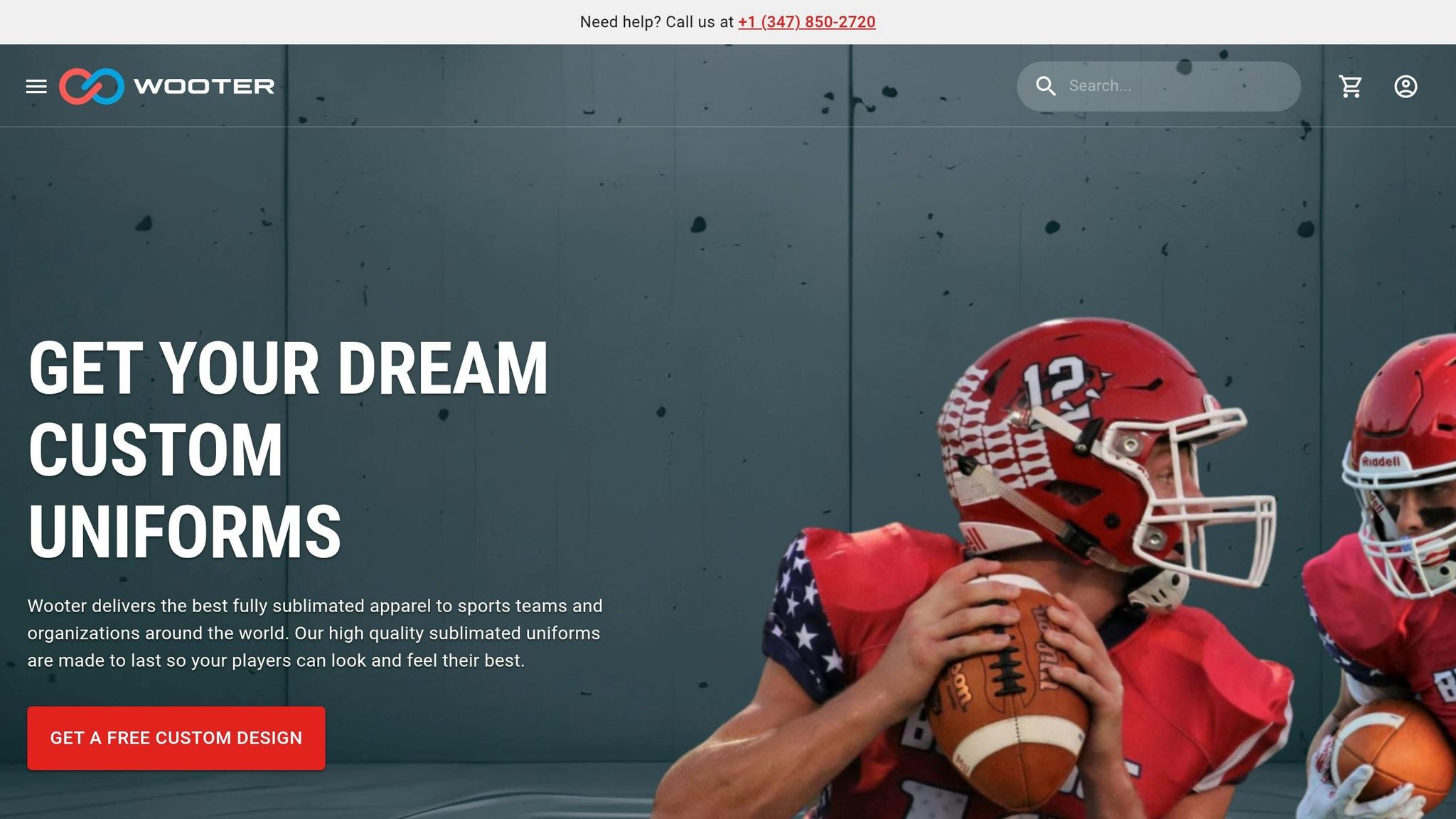
After a team approves a 3D preview, the next move is simple: turn that file into an actual uniform order.
Using Digital Previews to Finalize Sublimated Team Designs
Wooter uses approved digital mockups to move a design from preview to production. Teams can review colors, logos, names, numbers, and the full layout in one proof before they place an order.
That mockup is the main approval step in the workflow. Once the team signs off, production starts. Teams can submit their own artwork, use the design builder, or ask for design help. Wooter also offers downloadable vector templates for major sports.
Before approval, it helps to double-check a few things:
- Logo placement
- Name spelling
- Numbers
- Front-to-back consistency
Once the design is locked in, the next step is figuring out which apparel pieces make sense for the team and what the order will cost.
Apparel Options and Price Points for U.S. Teams
Wooter offers fully sublimated products across its team apparel line, so the graphics stay embedded in the fabric.
| Item Type | Starting Price (USD) | Sublimation | Typical Team Use |
|---|---|---|---|
| Custom V-Neck Basketball Jersey | $16.99 | Yes | Game day uniforms |
| Custom Basketball Shorts | $16.99 | Yes | Game day uniforms |
| MVP Team Uniform Package | $199.99 | Yes | Full season kits |
| Custom 1/4 Zip Warmup Jackets | $22.99 | Yes | Sideline/warmups |
| Custom Warmup Pants | $24.99 | Yes | Pre-game/travel |
| Elite Team Backpacks | $59.99 | Yes | Equipment/travel |
A couple of pricing details stand out. Warmup pants are listed at $24.99 for bulk orders of 1,000+ units, but go up to $69.99 when the minimum is a single item. If a team is on the clock, turnaround can be as short as two weeks for certain custom items.
With the design set and the product options in place, the last piece is lining up the order with the team’s deadline and quantity needs.
5. How to Choose the Right 3D Design Setup for Your Team
Matching the Right Tool to Your Team’s Needs and Timeline
Once the preview is approved, the next step is simple: match the tool to the job. The two big things to look at are design complexity and how fast approvals need to happen.
If you’re a coach or team manager ordering custom football uniforms – color swaps, a logo, player names, and numbers – an online 3D builder is often enough. It gets the job done without adding extra steps.
But some uniforms need more than that. If your design includes graphics that run across seams, exact pattern-based placement, or fabric simulation that looks closer to the finished product, professional 3D apparel software makes more sense. These tools can also produce print-ready patterns in multiple sizes.
For big rosters, batch import should be high on your checklist. If you can pull player names, numbers, and sizes straight from a spreadsheet, order layout time can drop from 30–60 minutes to just 3–5 minutes.
Key Points to Review Before Placing a Uniform Order
Before you lock in the order, rotate the 3D preview all the way around. A quick front view isn’t enough.
Check for a few things:
- Sponsor logos meet league minimum height
- Numbers stay readable on both youth and adult fits
- Graphics line up cleanly at the seams
One more thing: render settings can make dark or metallic colors look a little different on screen. So before you approve the design, confirm the final colorway.
The best setup depends on your roster size, sport, budget, and turnaround.
FAQs
How accurate are 3D uniform previews?
3D uniform previews are a solid way to check a design before it goes into production. You can rotate the model a full 360 degrees and inspect things like logo alignment, text placement, and color shifts in real time.
They also show how the fabric is likely to drape and how the branding will appear on the finished piece. That cuts down on guesswork and helps spot mistakes early. That said, screen colors and the feel of actual fabric can still differ a bit from what you see in the digital render.
What files do I need to start a team uniform design?
To start a team uniform design with Wooter Apparel, gather:
- High-resolution team logos and graphics, ideally in vector format
- Pantone references or Solid Coated C swatches for color matching
- A design brief with team colors, style preferences, and layout requirements
- Player names and roster numbers for personalized text
Having these items ready helps make sure your custom gear comes out accurate.
Can I approve designs for my whole roster at once?
Yes. Wooter lets you handle approvals and roster details in one place, so you can review the full team order all at once.
You can share interactive 3D mockups with coaches and players to check logo placement, team colors, names, and numbers before production. Then, once everything looks right, you can send one final sign-off for the entire order.